Quickstart
This guide will help you create and deploy your first route.
1
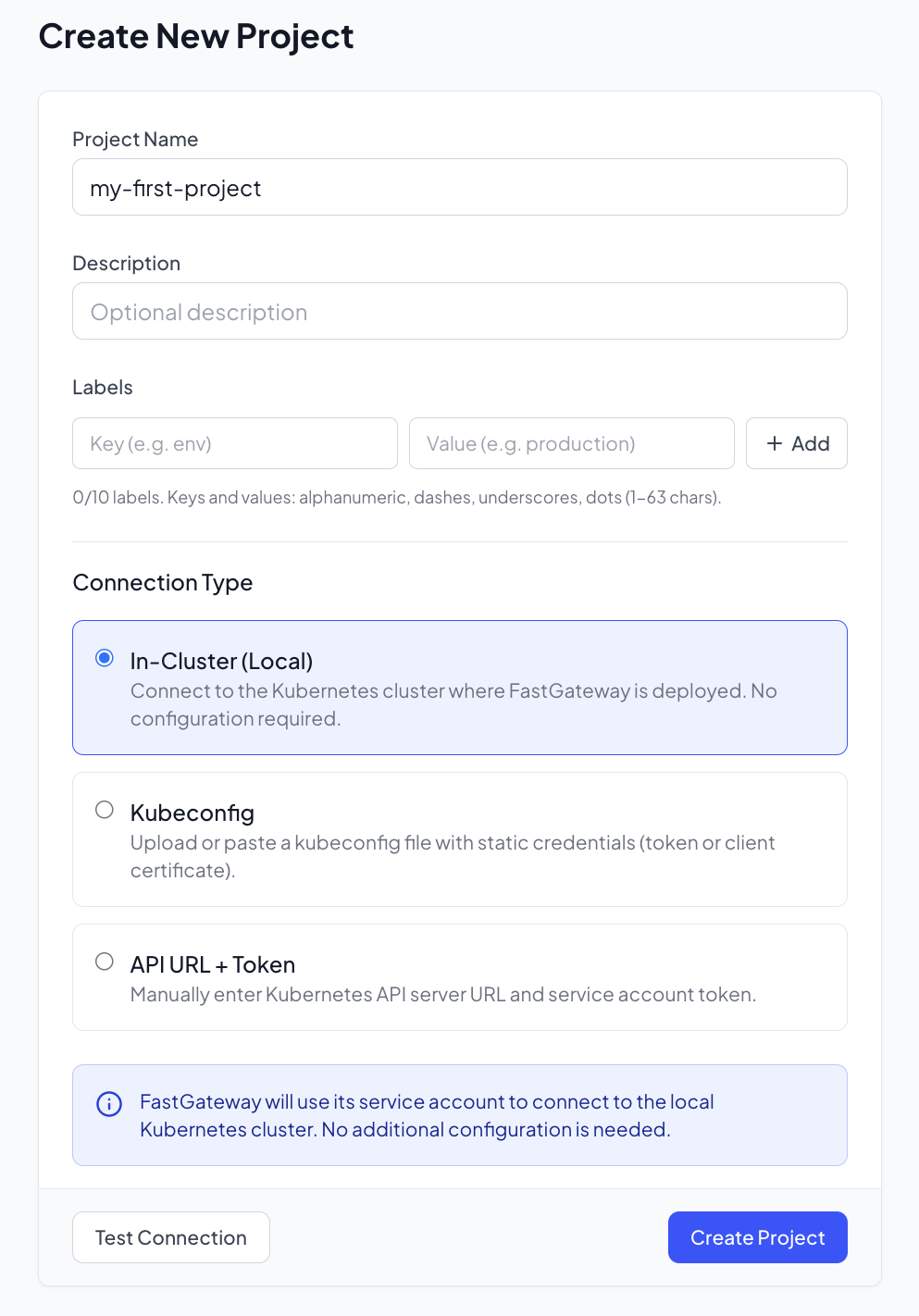
Create a Project
- Navigate to Projects in the sidebar
- Click Create Project
- Enter a project name (e.g.,
my-first-project) - Add a description (optional)
- Click Create
2
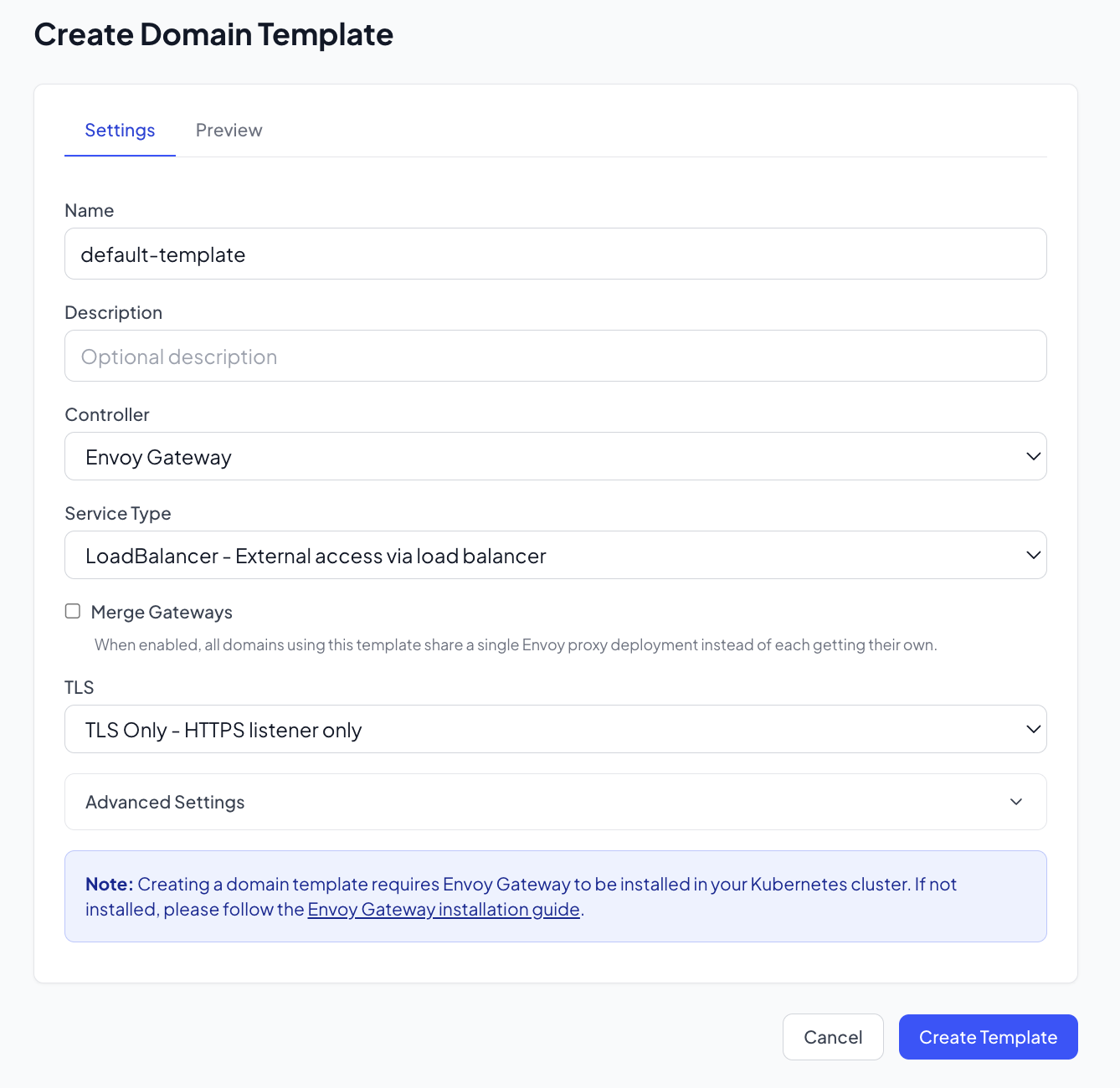
Create a Domain Template
- Navigate to Domain Templates in the sidebar
- Click Create Template
- Enter a template name (e.g.,
default-template) - Configure the template settings:
- Select service type (LoadBalancer or ClusterIP)
- Configure TLS settings if needed
- Configure HPA scaling and compute requests limits
- Click Create
3
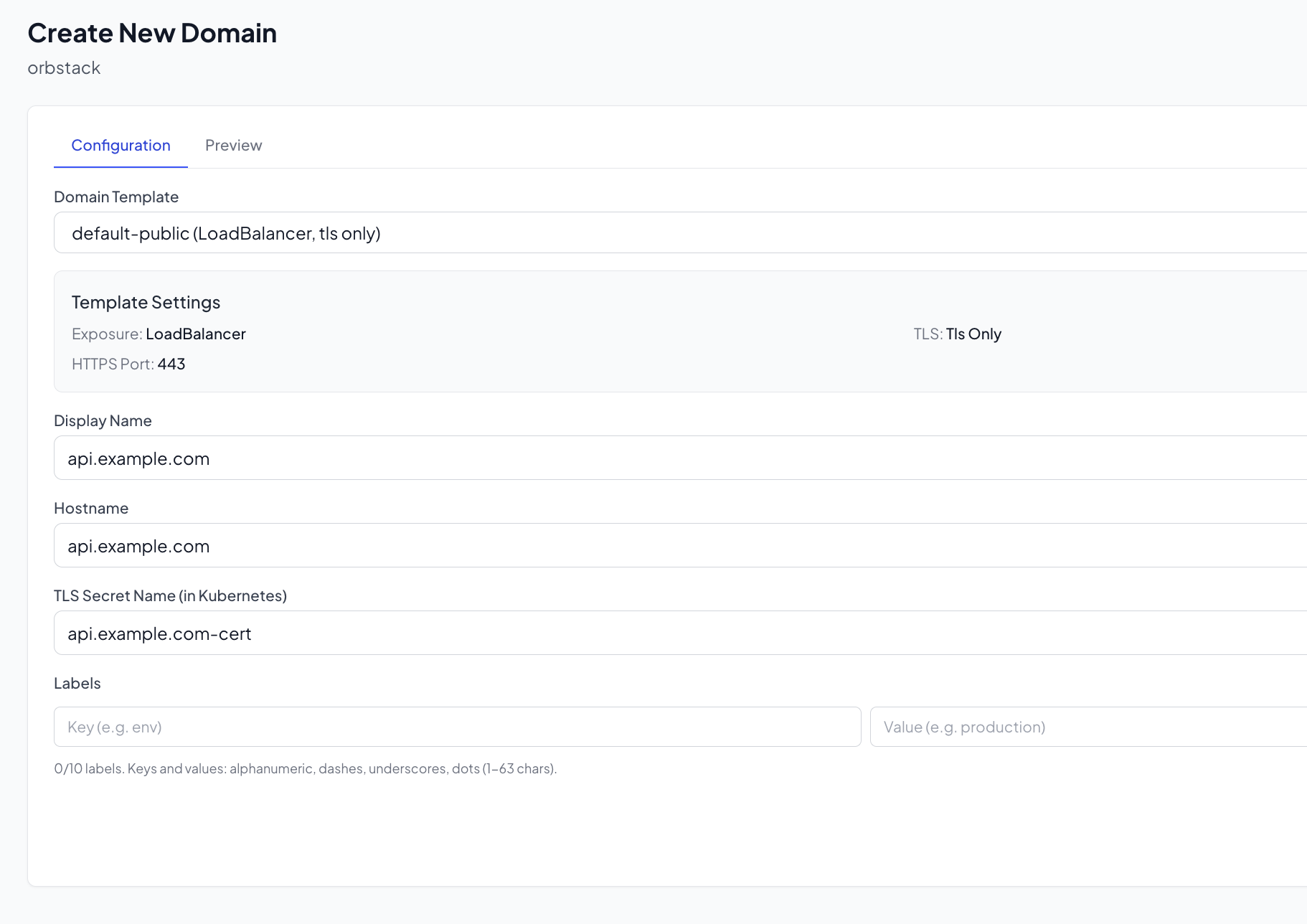
Create a Domain
- Navigate to your project
- Go to the Domains tab
- Click Create Domain
- Enter the domain hostname (e.g.,
api.example.com) - Select the domain template you created
- Click Create
4
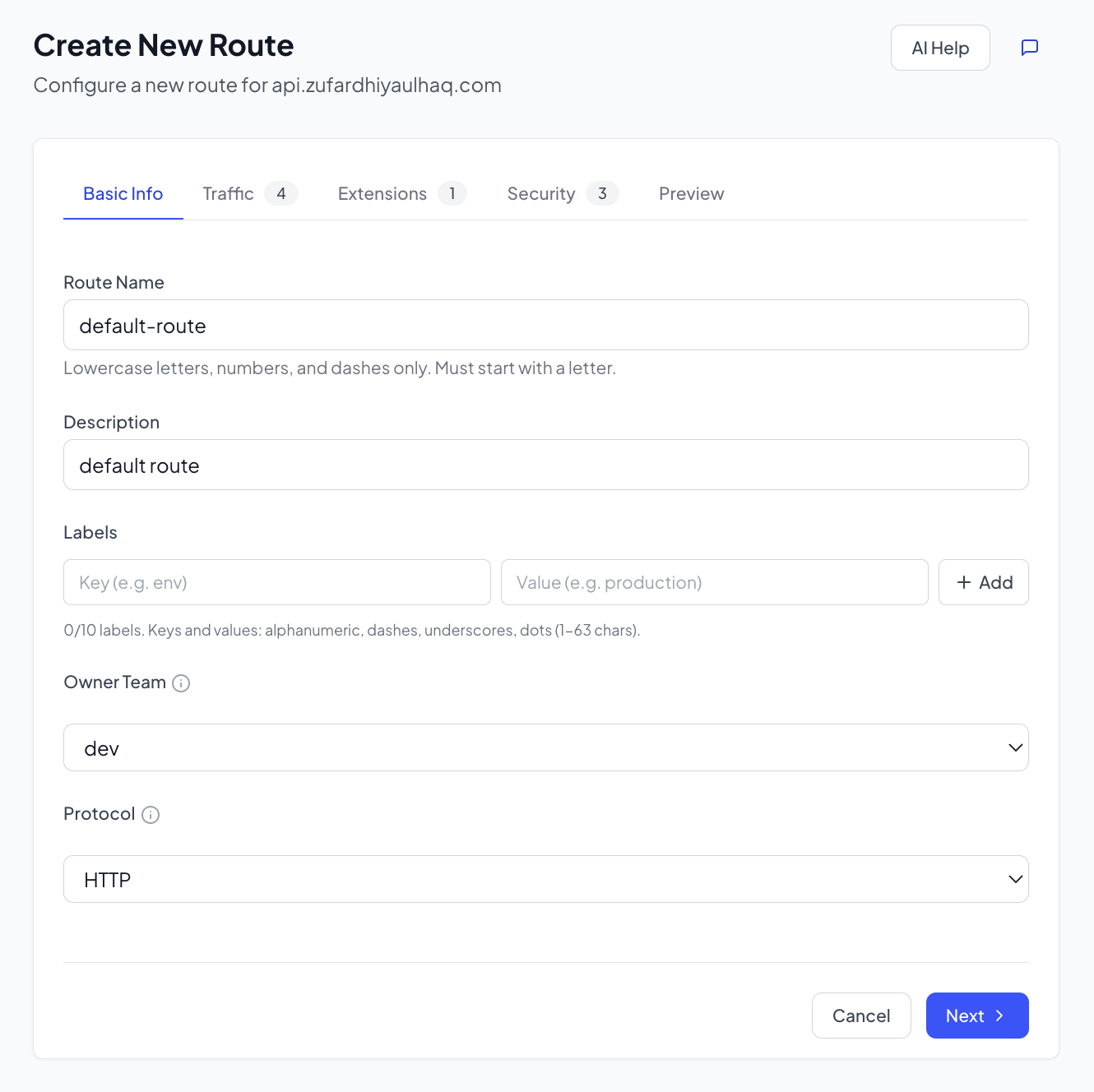
Create a Route
- Within your domain, click Create Route
- Configure the route:
- Name:
my-first-route - Path:
/api/v1 - Match Type:
PathPrefix
- Name:
- Add a backend:
- Service Name: Your backend service name
- Service Port: The port your service listens on
- Click Create
5
Approve and Deploy
- Navigate to Approvals in the sidebar
- Find your pending route
- Review the configuration
- Click Approve to approve the change
- Once approved, the route will be deployed to your cluster
Verify the Deployment
Check that the HTTPRoute was created:
kubectl get httproute -n your-namespace
Test your route:
curl -H "Host: api.example.com" http://your-gateway-ip/api/v1