Configure Routing
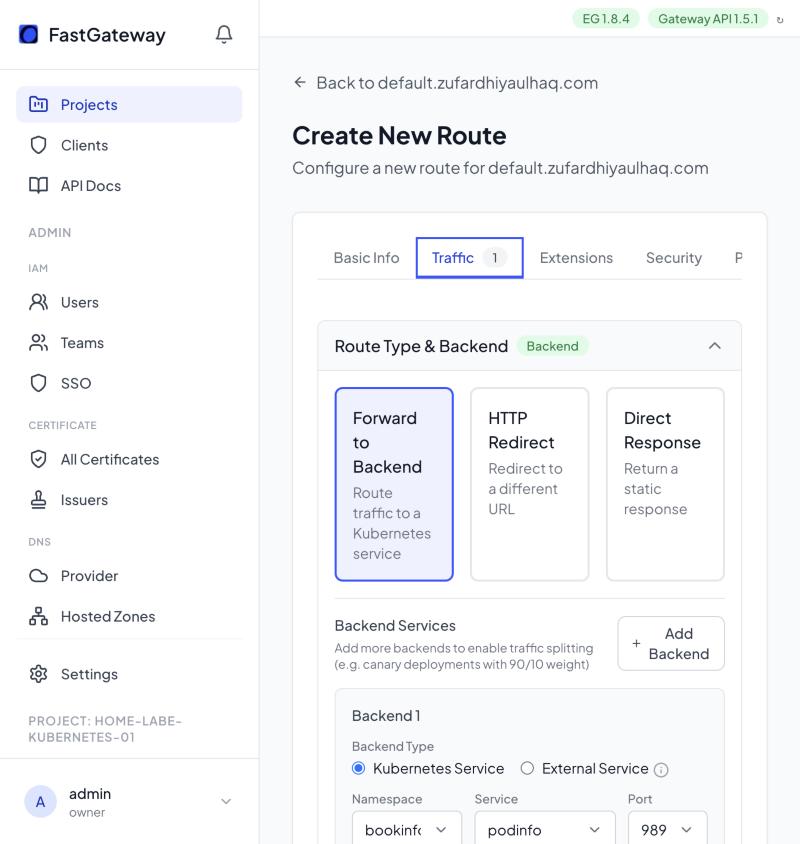
FastGateway routes traffic using rules you set in the route builder. Open a domain and click New Route, then open the Traffic tab and work in the Request Matching section. Set the Protocol (HTTP or gRPC) first on the Basic Info tab, since it changes which matching fields appear.
This page covers HTTP and gRPC routing on domains. For TCP and UDP services, see Create a TCP/UDP Route.
Path Matching
In Request Matching → Path, choose a Match Type and enter the Path Value.
| Type | Description |
|---|---|
| Exact | Matches the exact path |
| Prefix | Matches paths starting with the value |
| Regex | Matches paths using a regular expression |
Header Matching
In Request Matching → Headers, click Add Header and set the Name, Type, and Value. For example, set Name to X-Version, Type to Exact, and Value to v2.
Header types are Exact and RegularExpression. Add multiple headers to require all of them to match.
Method Matching
In Request Matching → HTTP Method, select the method to match, such as POST.
Query Parameter Matching
In Request Matching → Query Parameters, click Add Query Parameter and set the Name, Type, and Value. For example, set Name to version, Type to Exact, and Value to beta.
Query parameter types are Exact and RegularExpression.
gRPC Routes
Set Protocol to gRPC on the Basic Info tab. In Request Matching, fill in gRPC Service and, optionally, gRPC Method. Each takes a Type (Exact or RegularExpression) and a Value, for example service myapp.UserService and method GetUser.
gRPC routes deploy as a GRPCRoute resource. Matching on the service alone covers all methods, while adding a method targets a specific endpoint.